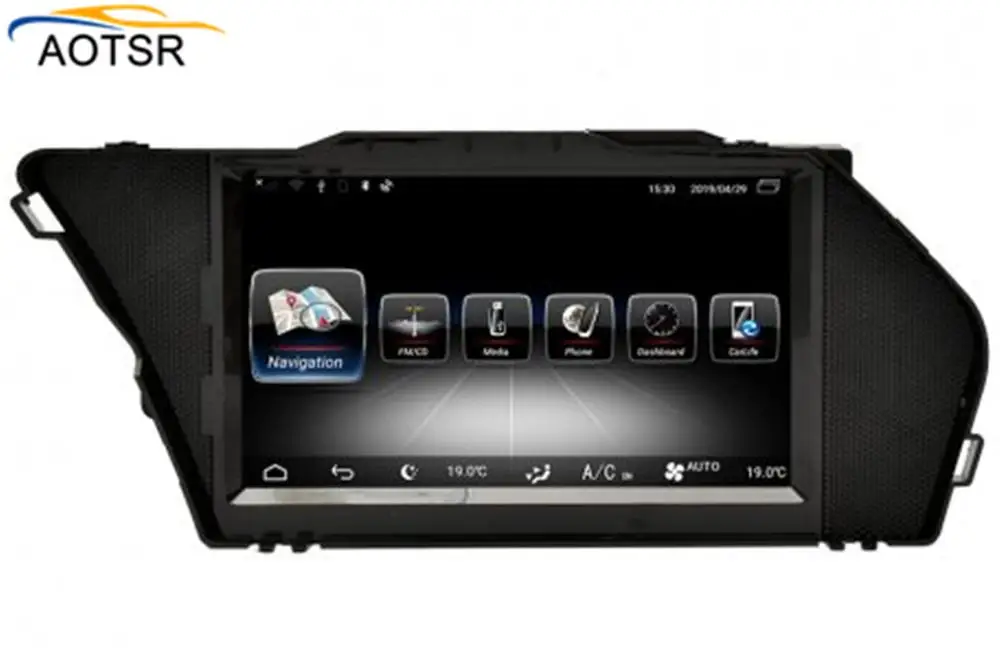
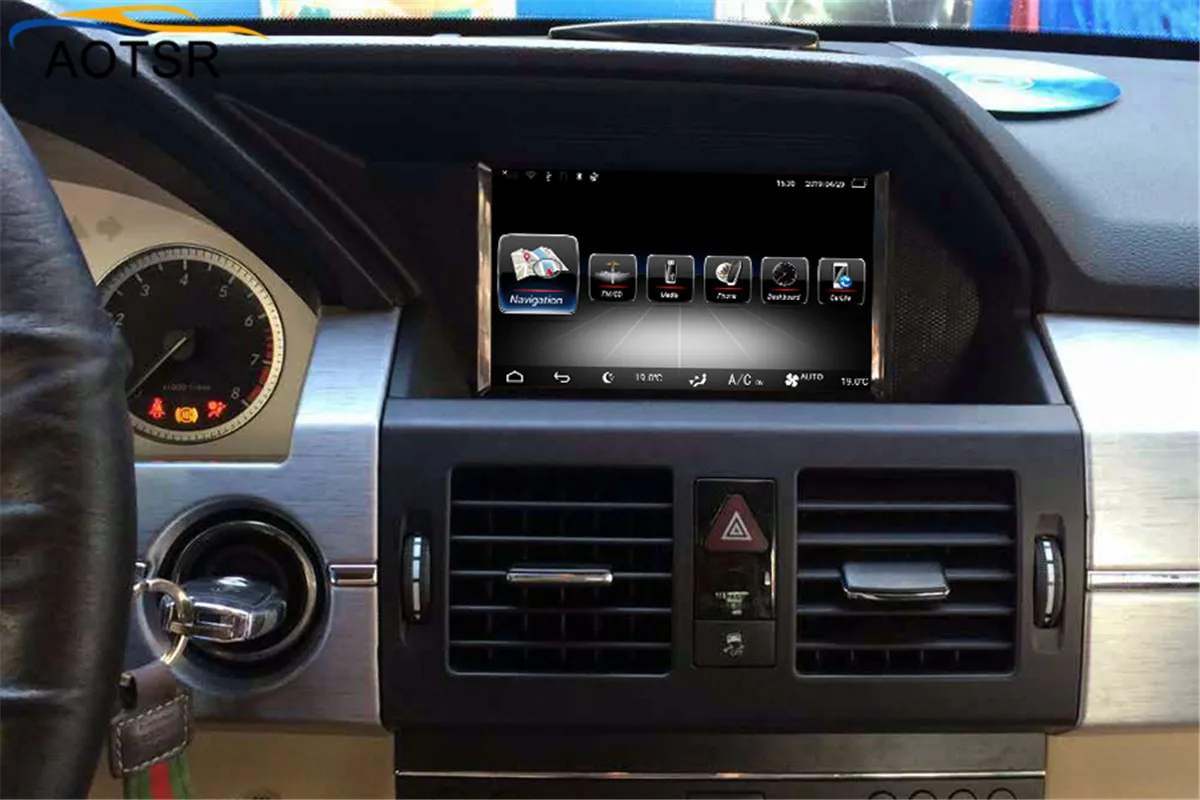
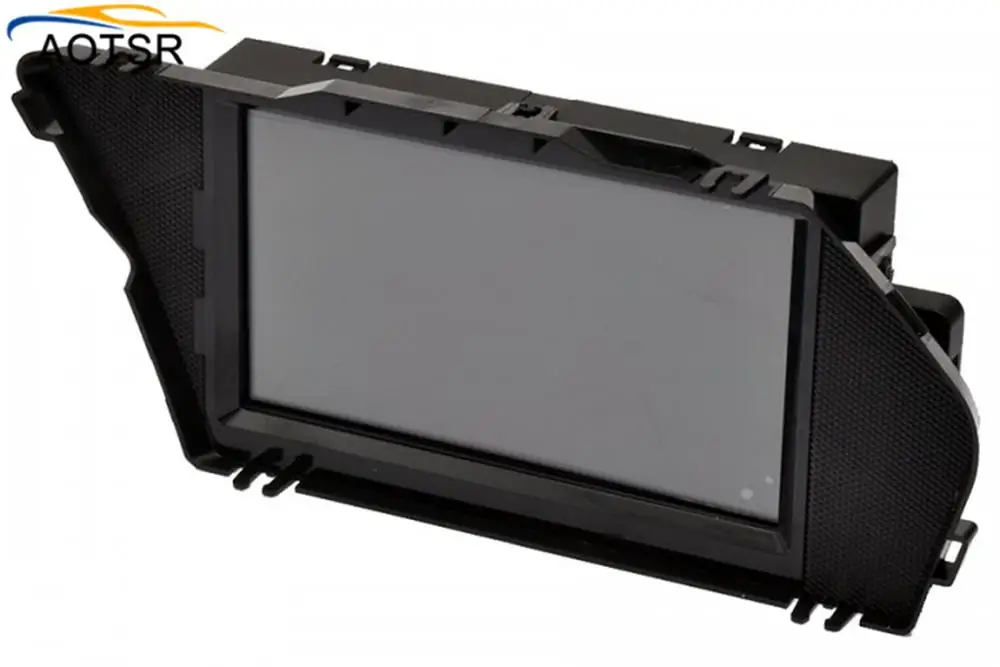
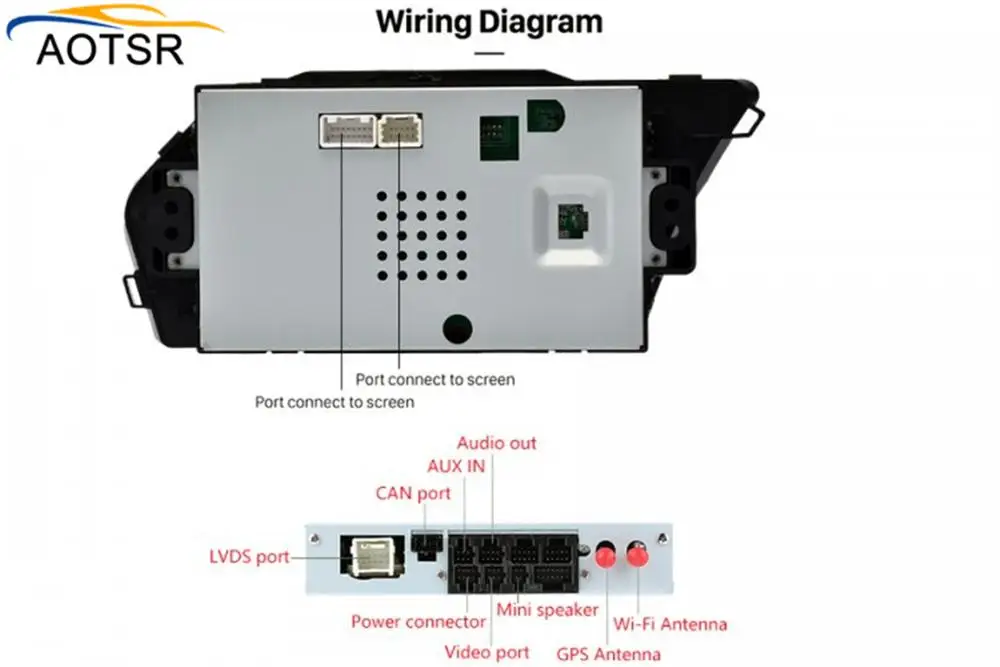
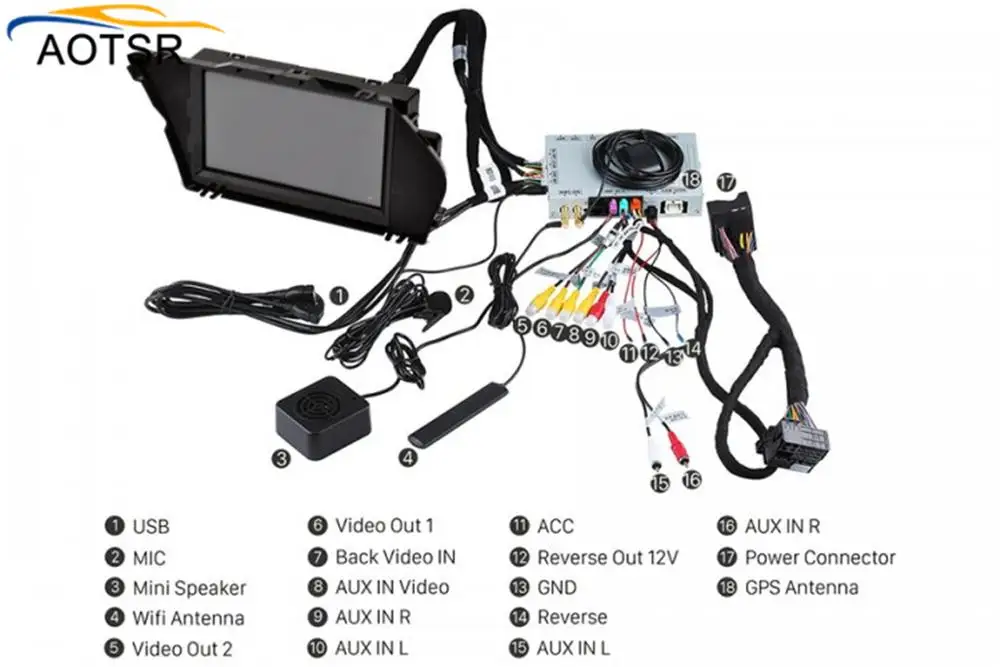
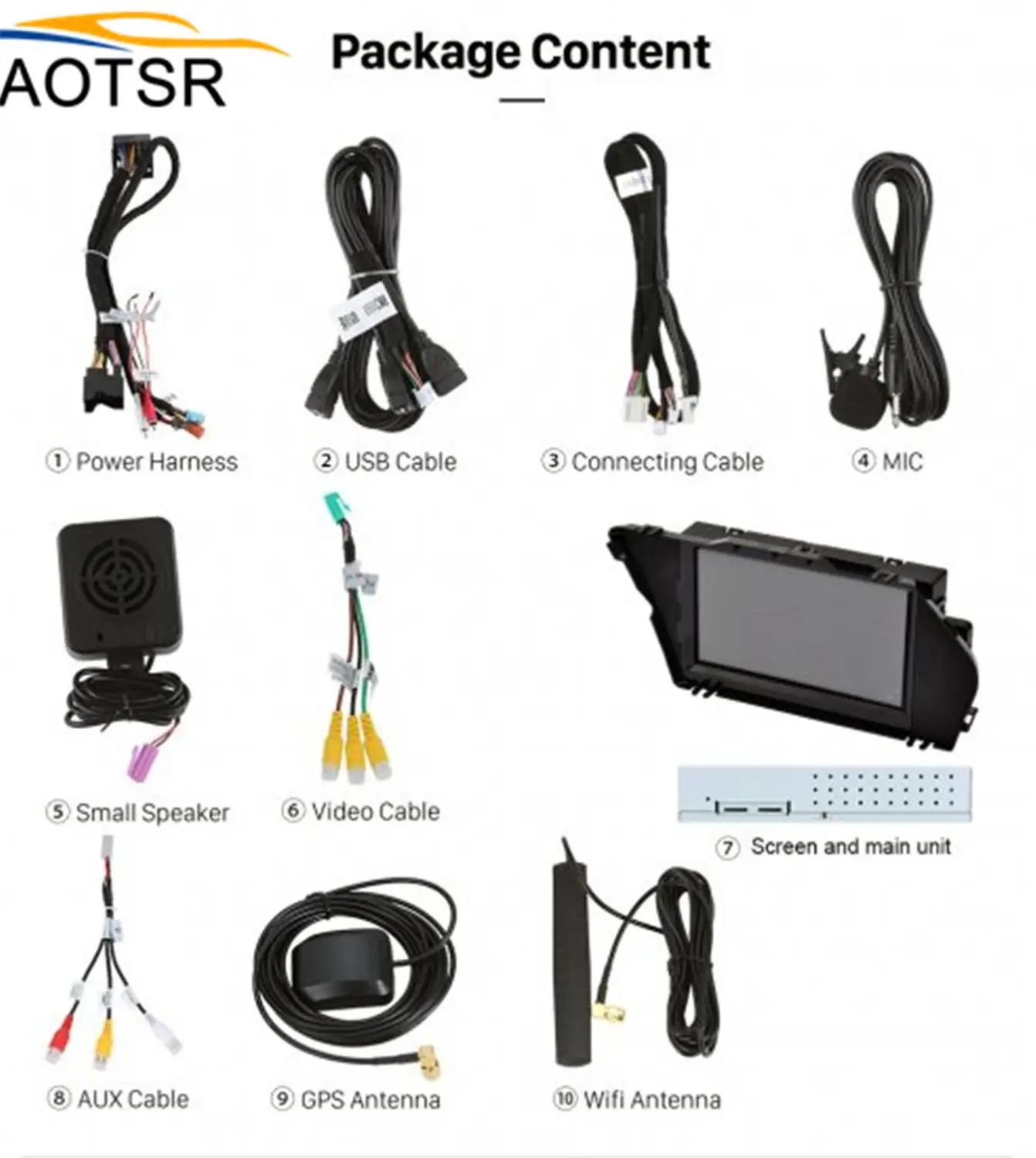

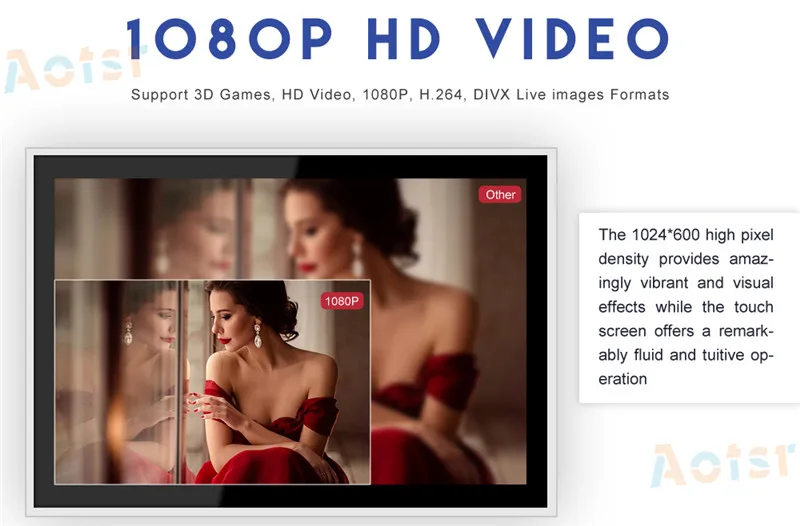
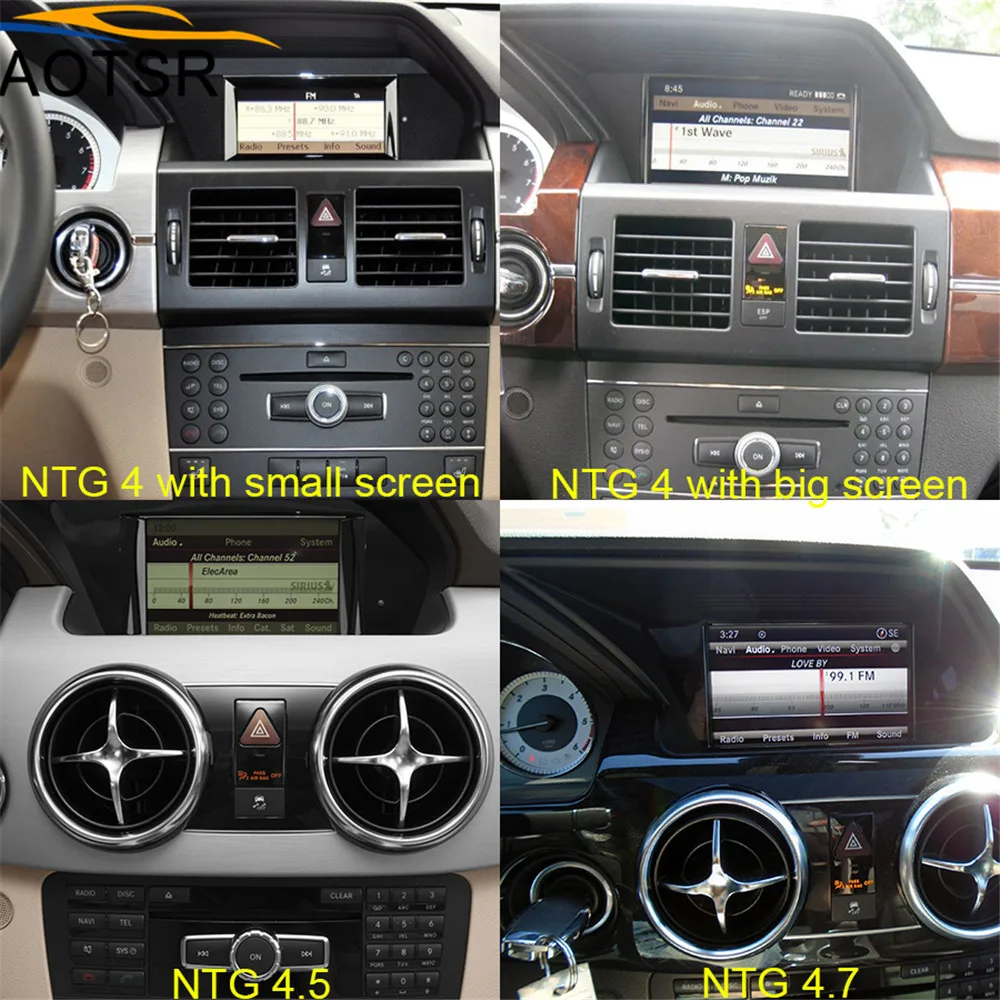
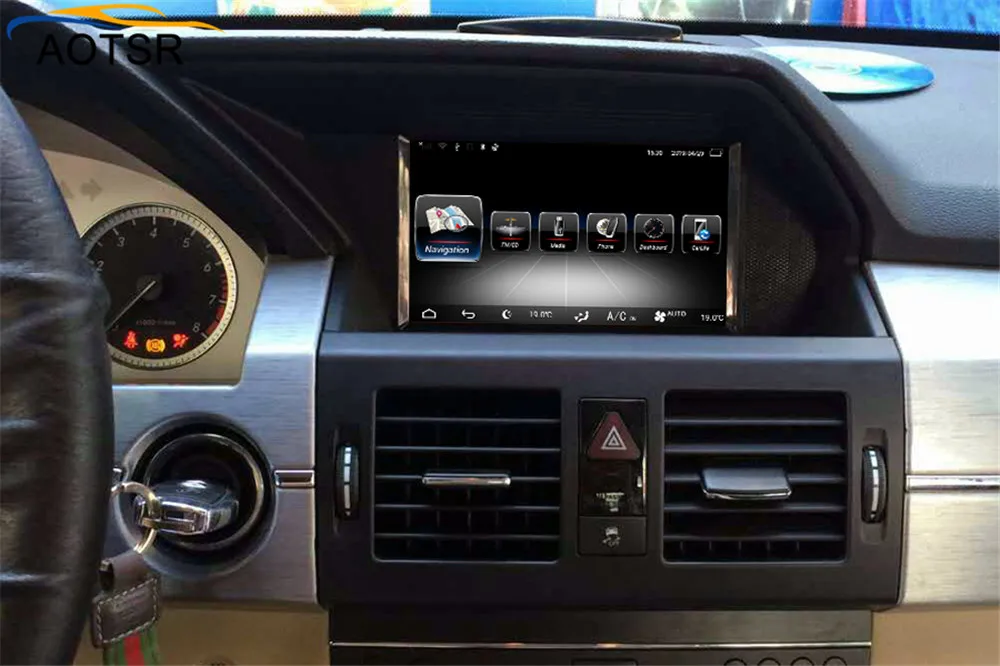
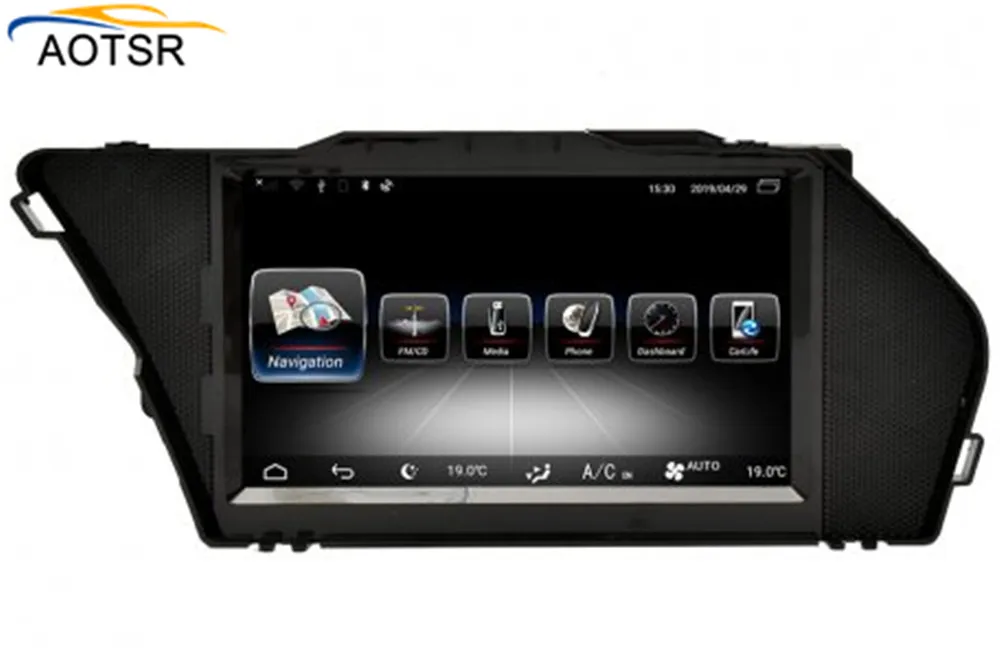
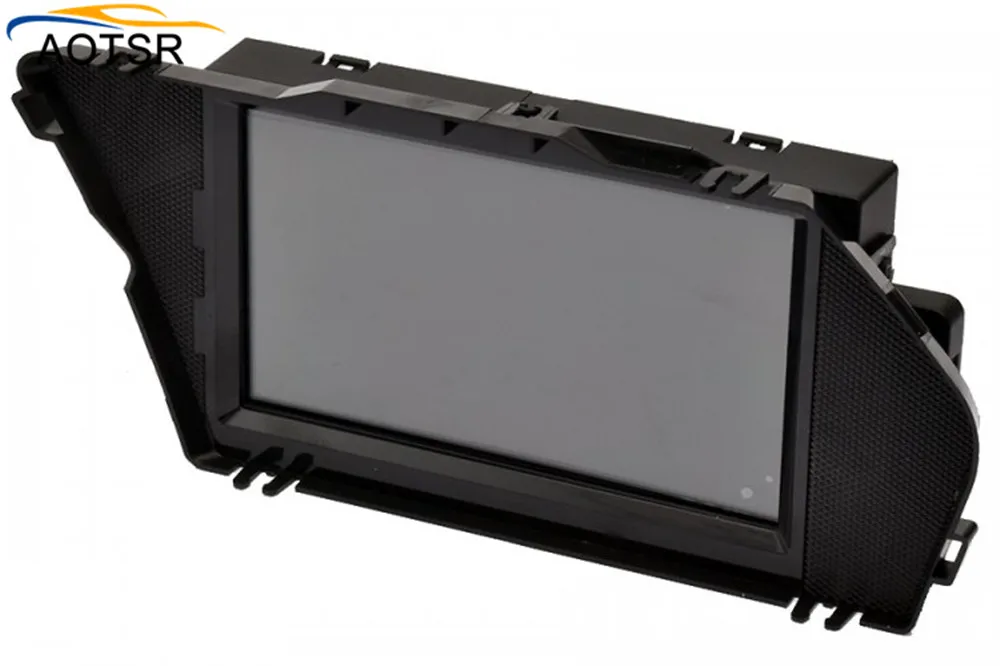
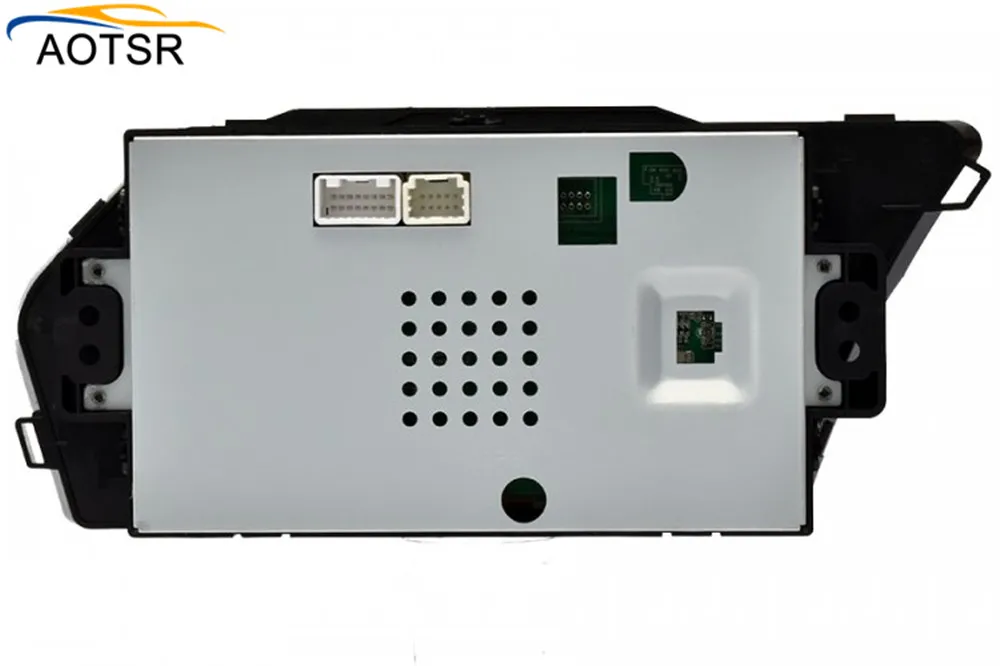
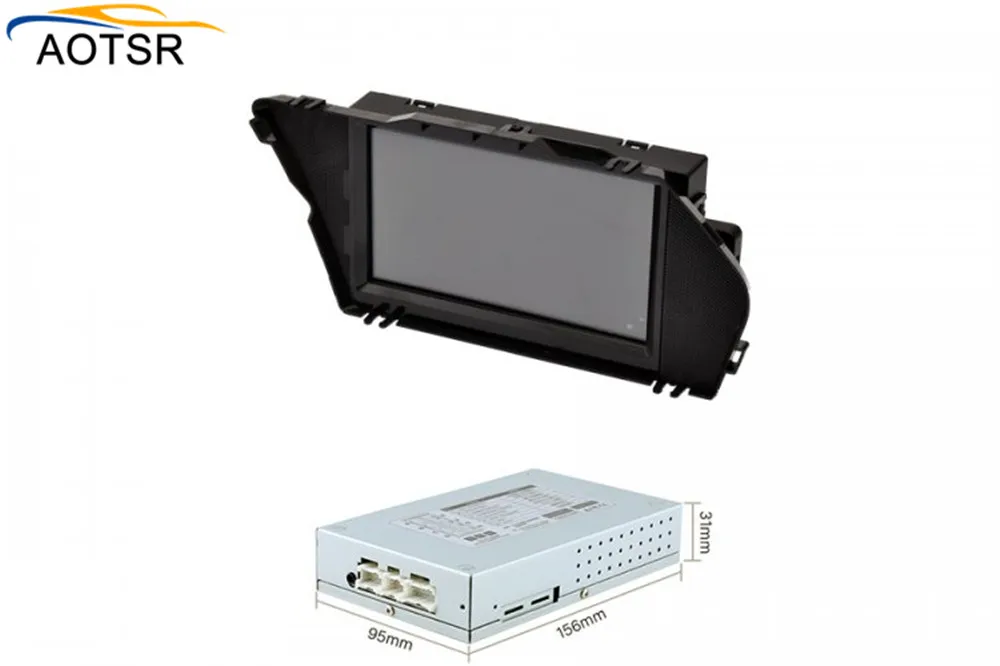
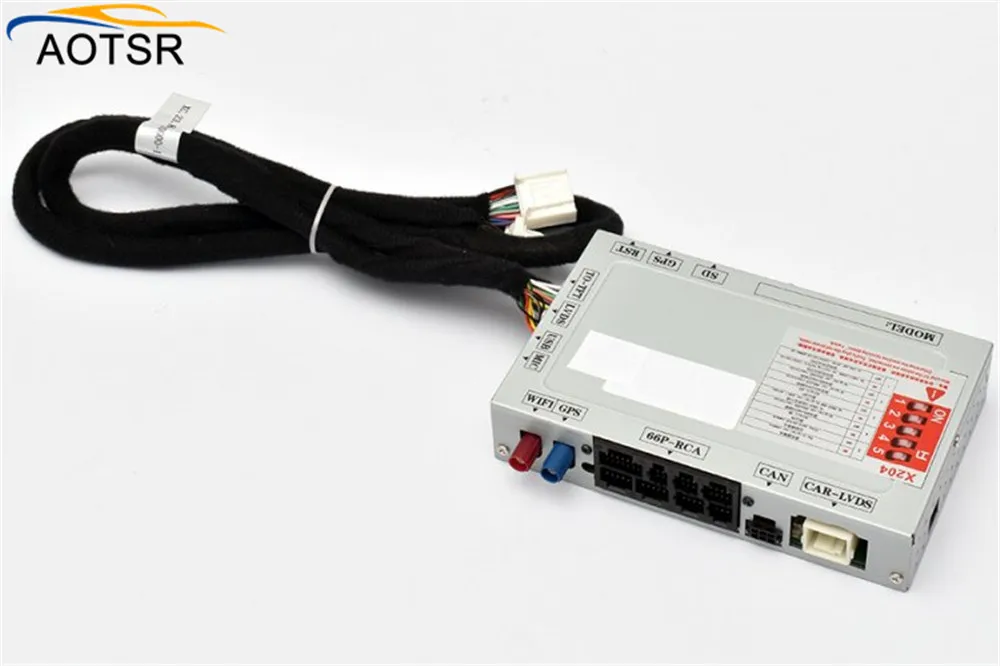
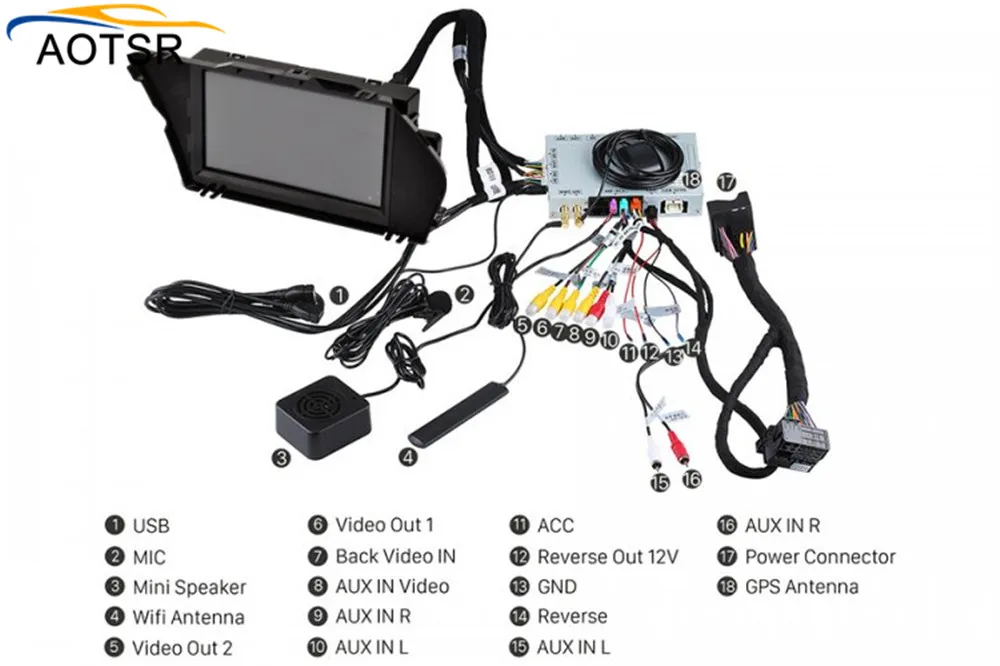
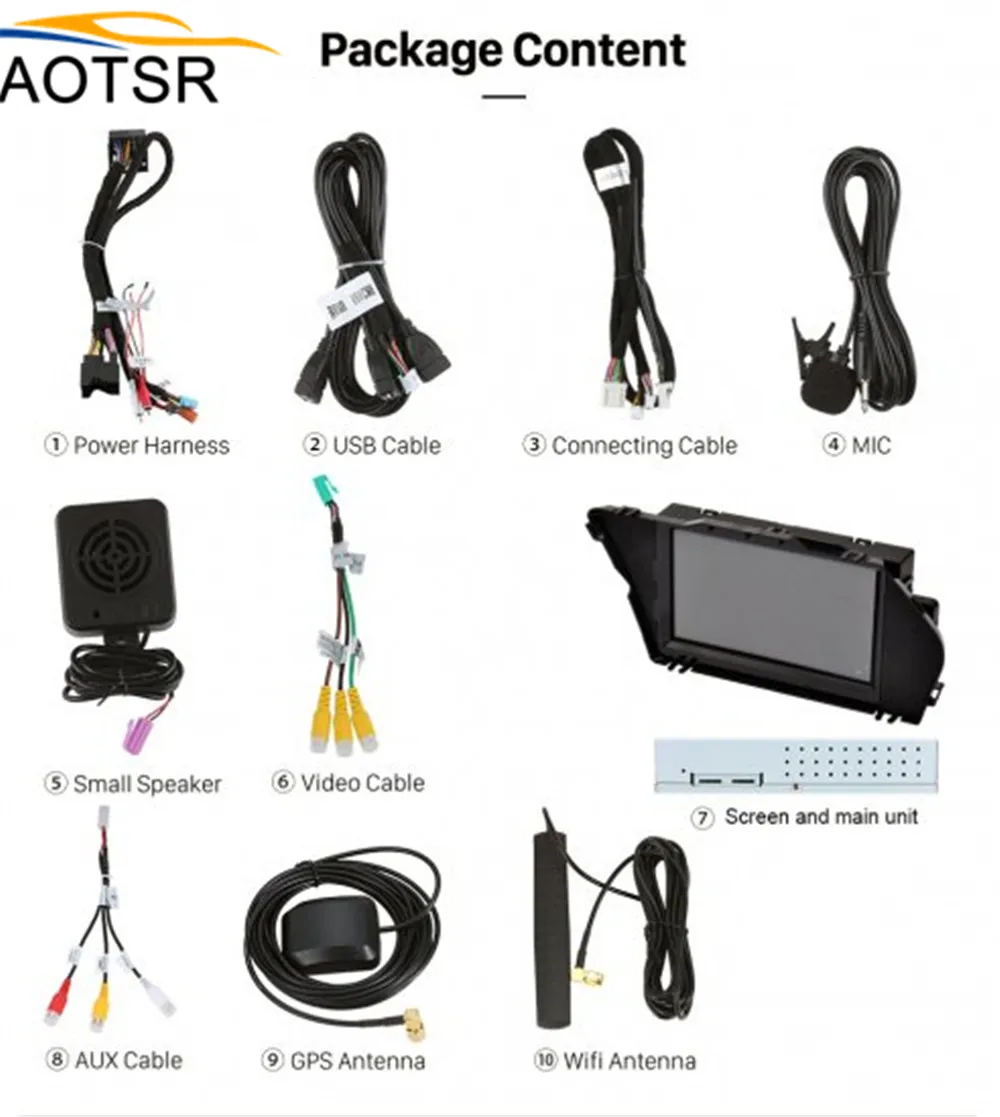
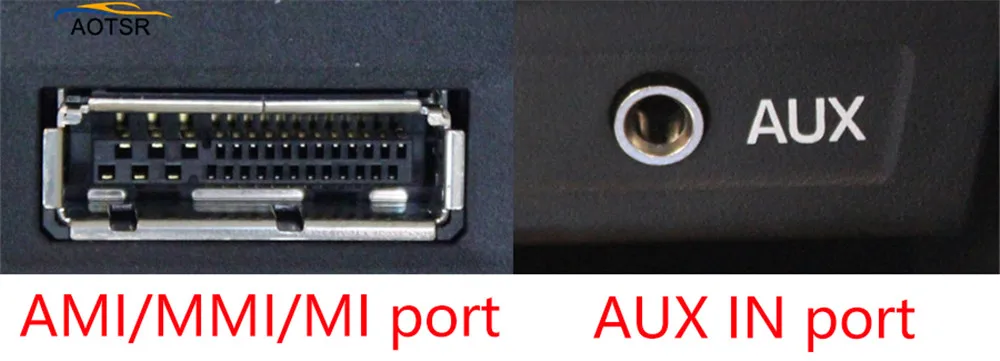
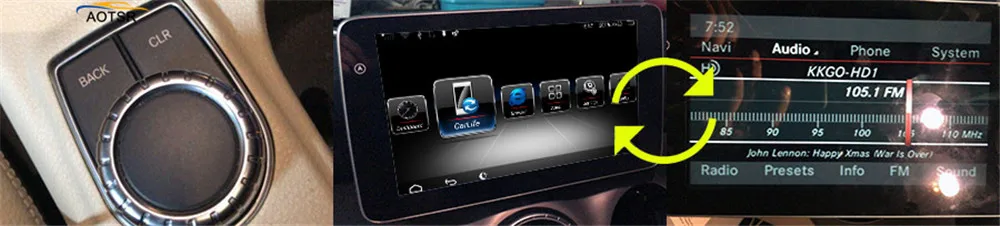
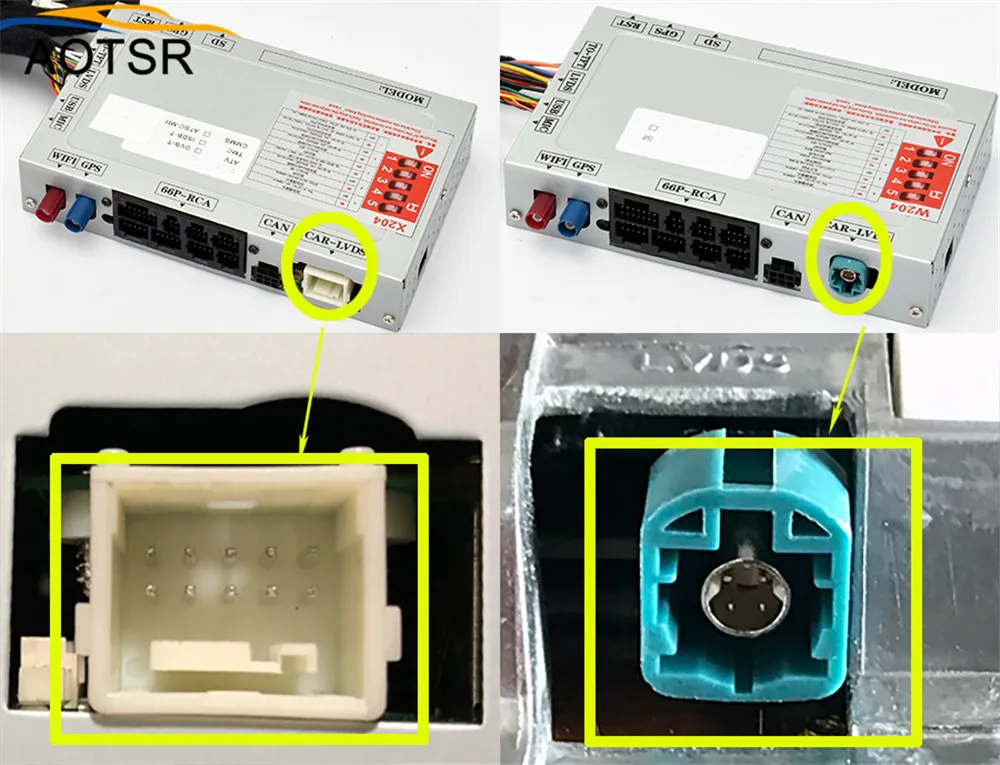
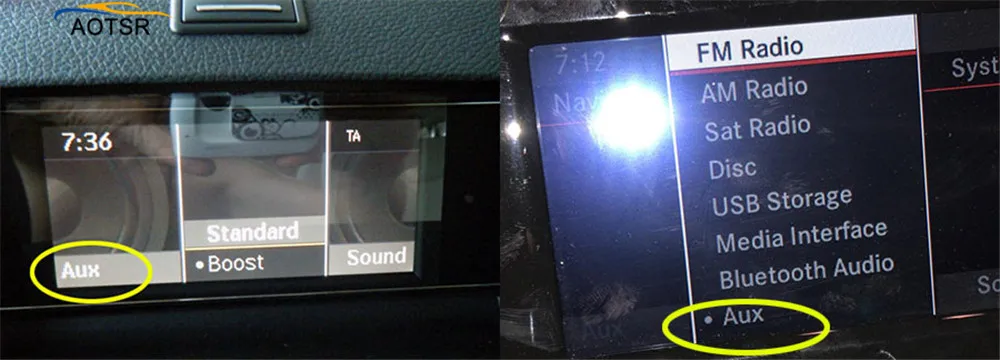
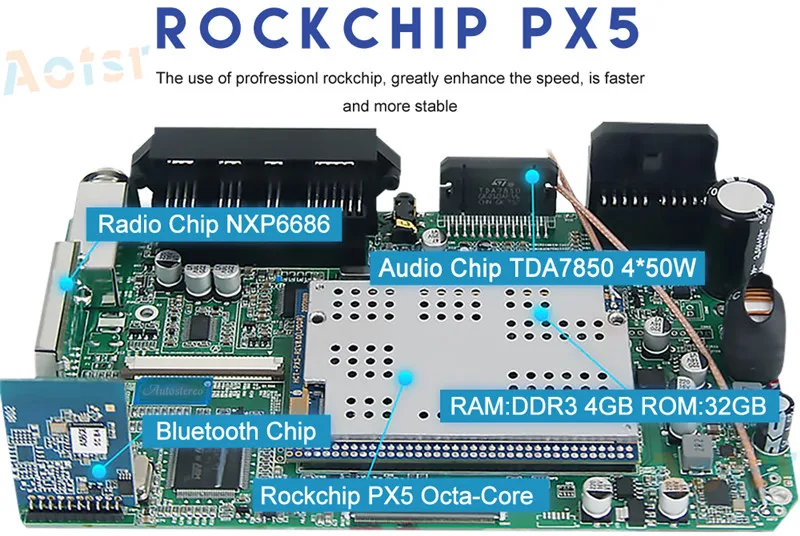
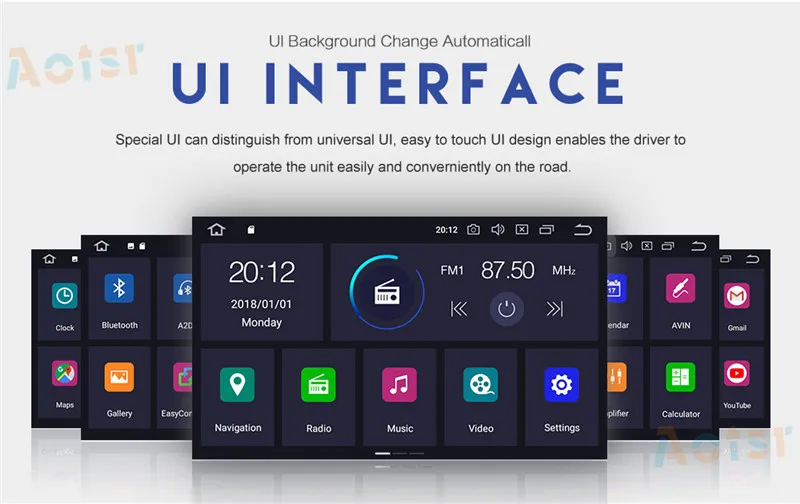
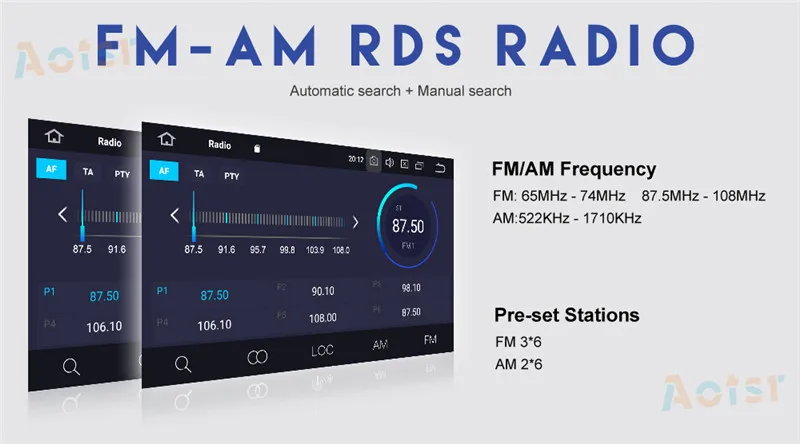
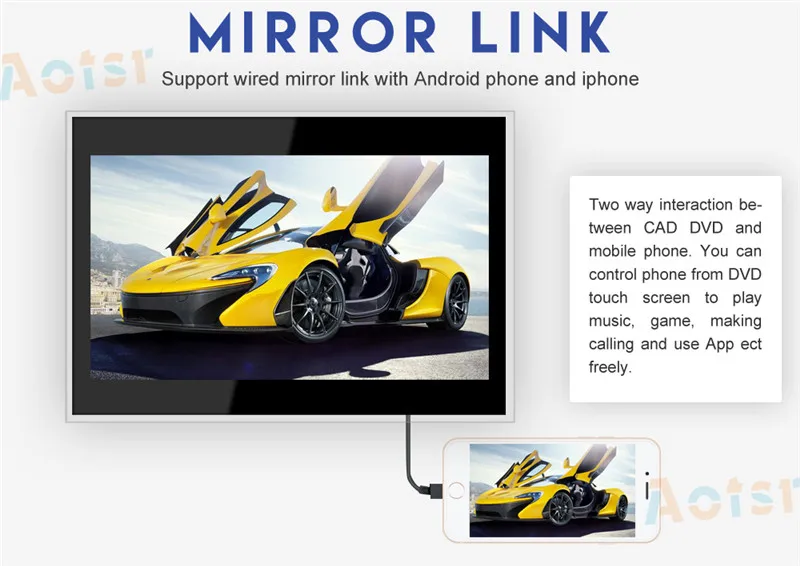
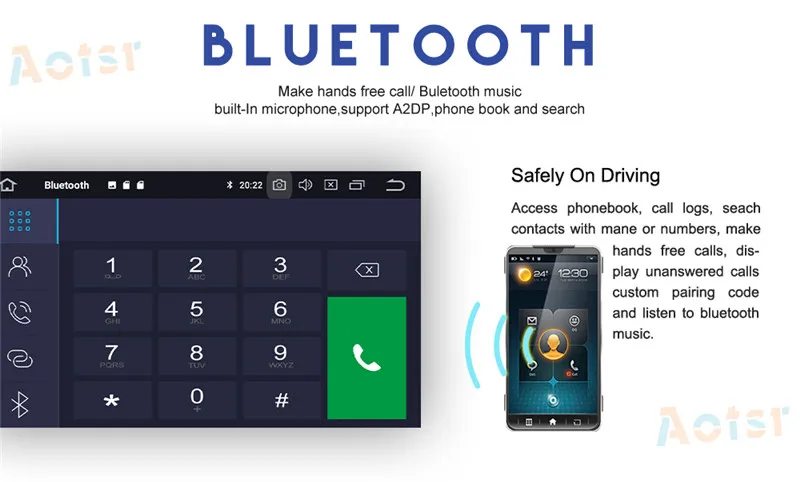
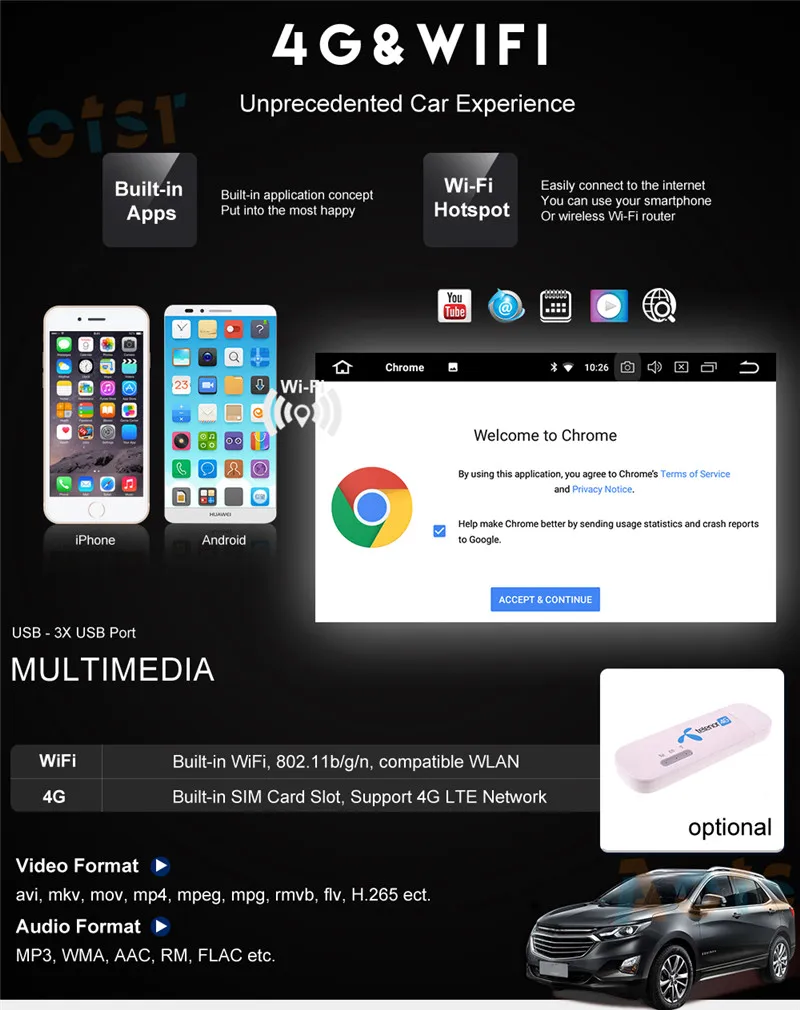
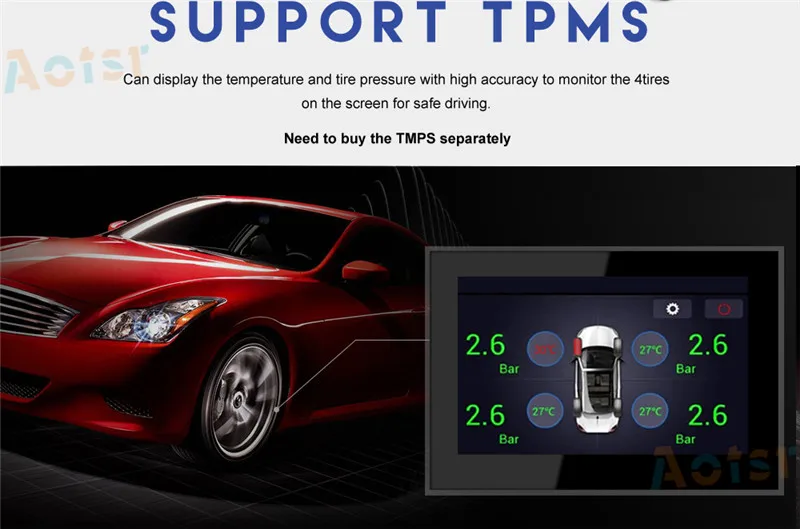
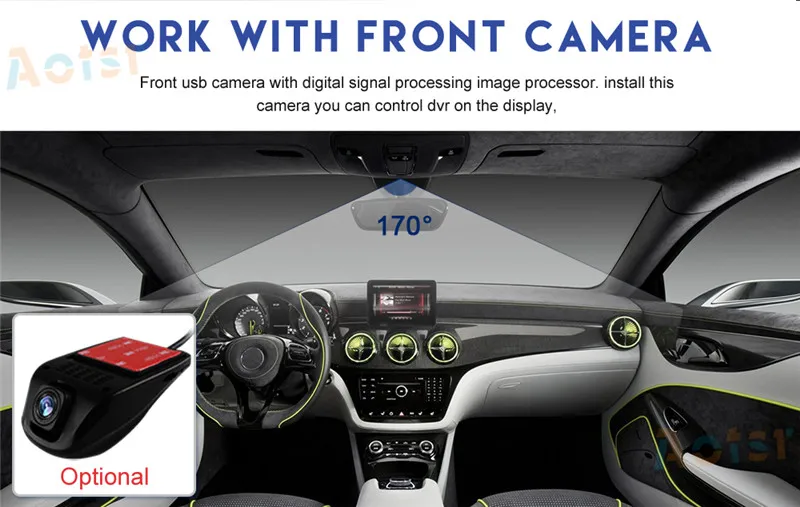
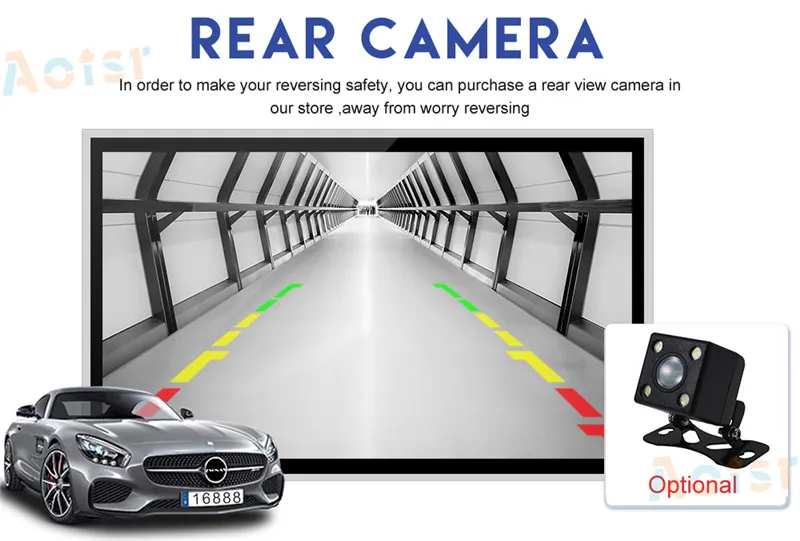
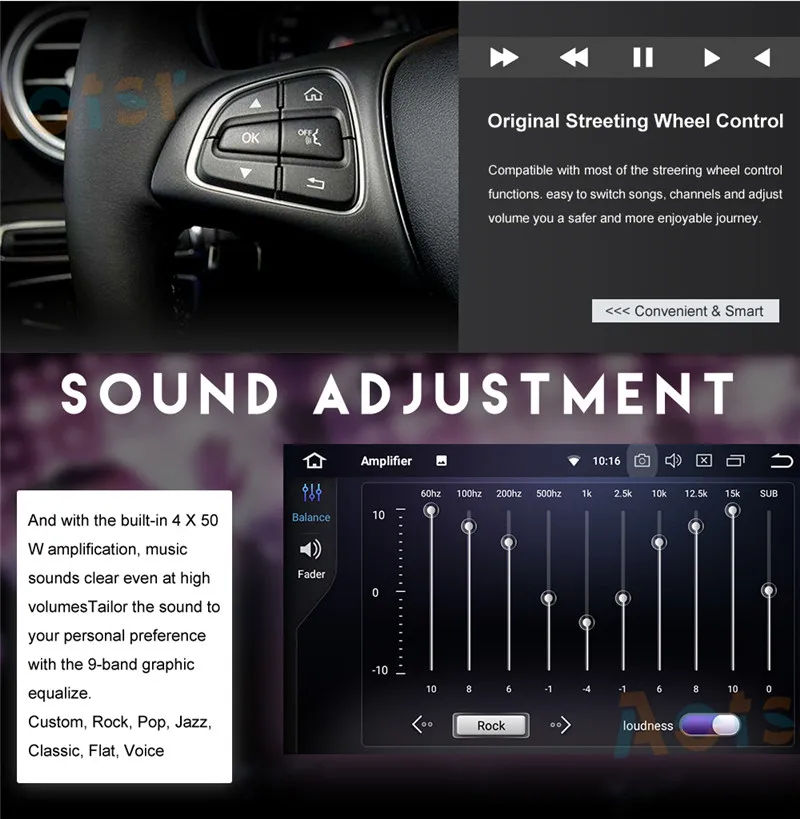
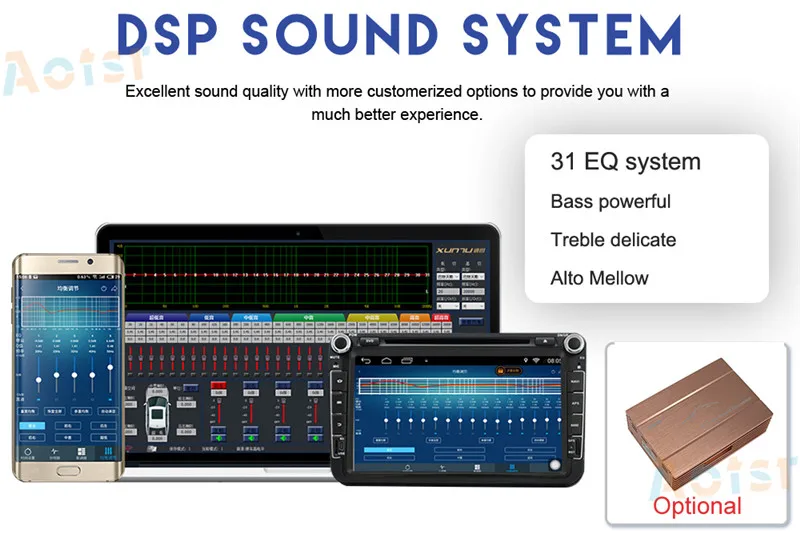
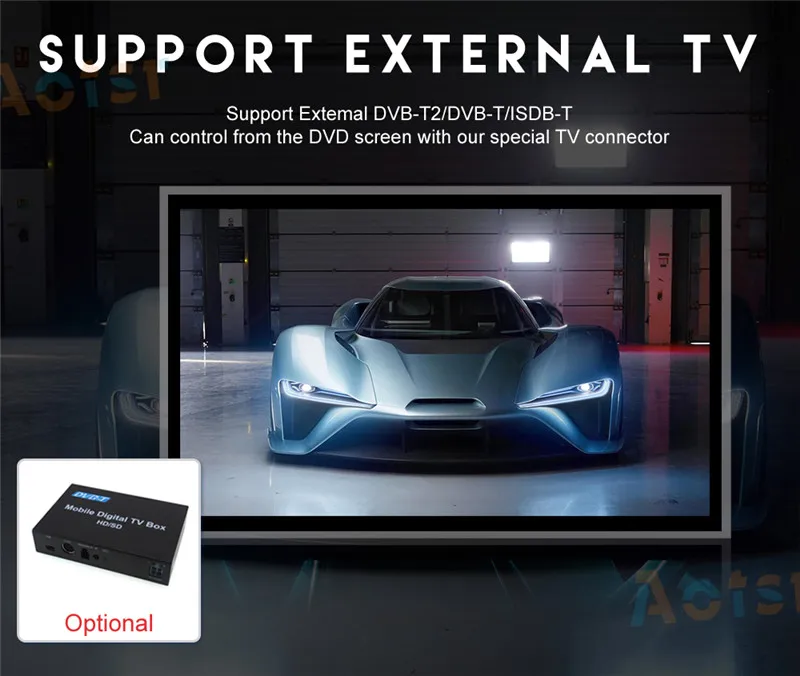
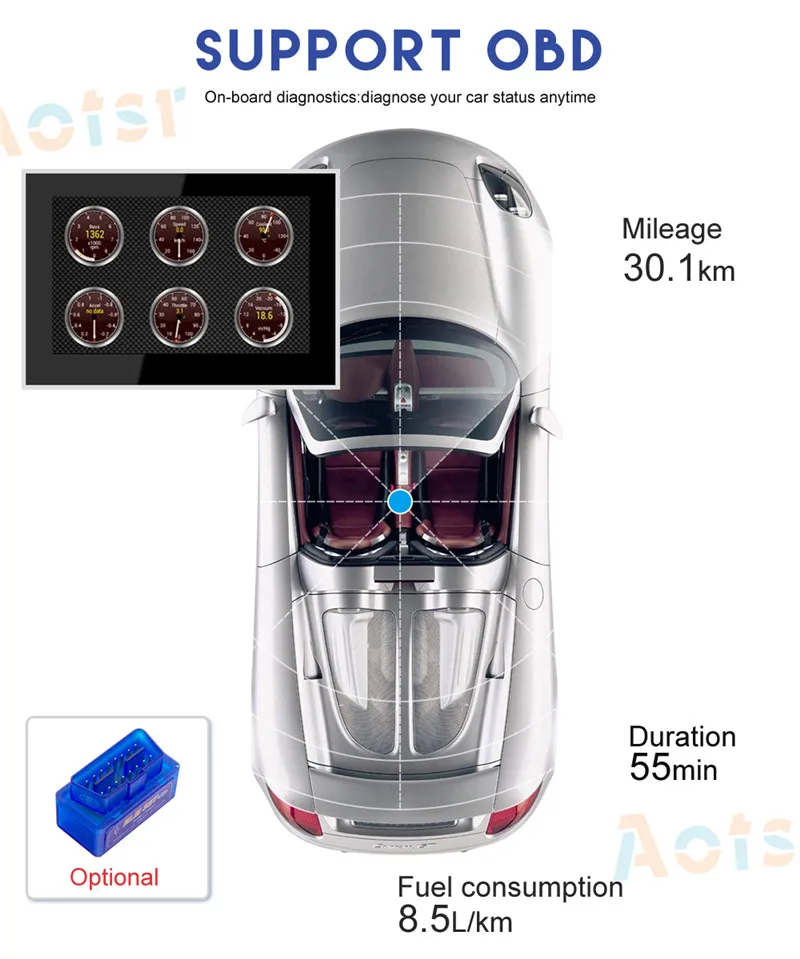
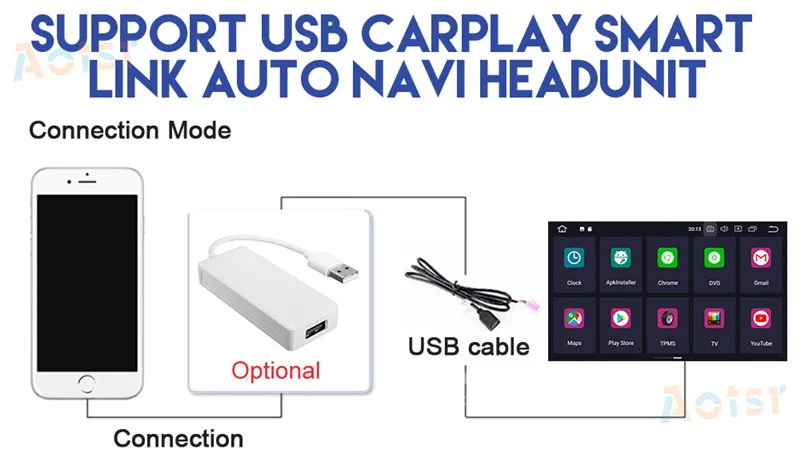
Mercedes-Benz GLK-Class (X204) Aftermarket Navigation Player has a 7 inch TFT touchscreen, it is specially designed to upgrade Mercedes-Benz GLK-Class (X204) radio system. It's totally plug and play, no need to cut wire. The new 7 inch screen retains factory Mercedes-Benz radio's computer info, Bluetooth info and all other info which displays on original screen. When you keep press "C/CLR" button, it changes to another new Android interface with navigaiton, SD/USB music/video, backup camera(optional), digital TV(optional), Front in dash camera(optional), Apple CarPlay(optional), Android Auto(optional) and Google play store, you can also install other Android apps you want, for example Gmail, Yotube, Spotify etc. For :Mercedes-Benz GLK-Class (X204) 20082009201020112012 201320142015 Key Features -1024*600 High Resolution, Multi-Touch screen:The 1024*600 high pixel density provides amazingly vibrant video and visual effects. While the multi-touch screen offers a remarkably fluid and intuitive operation -Built in Navigation:In order to more accurately determine the locations, looking for the right itinerary , we use GPS +Glonass dual satellite position system you can get access to different online maps , such as Google map ,IGO ,Sygic Waze and other GPS program. -Radio:AM, FM, RDS, as digital signal processing, preservation and rename up to 30 stations chipset NXP6686 PHILIPS - the highest quality of reception, a tuner is placed in the original radio cars with premium cars. -Video:ONLINE TV, VIDEO: Full HD 1080p any formats: AVI (DivX, Xvid, Mpeg4, h.264), MKV, WMV, FLV, WebM and other (we recommend a free MX Video Player) -Bluetooth:Built-in,External Microphone is ready, for the Hands-Free, with Bluetooth phonebook to search, wireless music playback from your phone -Steering Wheel Control :Compatible with most of the steering wheel control functions. Easy to switch songs, channels and adjust volume to provide you a safer and more enjoyable journey Pls Note: for the unit's cable come with canbus, it can directly use buttons , for the unit's cable without canbus, you need set the buttons study function -Rear View Camera:Built-in camera video input for you to connect after-market rear view camera for safe parking. Note: Rearview camera is optional, not included in the package. -OBD2:Using Bluetooth diagnostics, reading error rate and onboard information. Mini-ELM327 BT wireless adapter OBD2 diagnostic connector. Your car must be with connector for OBD II, -Mirror Links:Any content from Android or IOS smartphone can be mirrored onto this unit screen ,so ou can watch videos on thr bigger display , for android phone, you can even achieve bidirectional control with a USB cable to access your phone book , map , music and more. -Digital TV:Optional External digital tv box it can be touch controlled on the screen. -Support Wi-Fi, 3G/4G internet :You can keep connected through What’sapp Twitter, Facebook, Gtalk, Gmail ,wave and other Google services. -Support Thousands Of Softwares Downloading From Android Market About Installation Instruction : It is plug and play for the installation, but we suggest that you find a local professional installation engineer or car A&V shop to install our unit in your car, so that it can avoid the possible damage to your dashboard and the head unit itself. Of course, If you need any support, you can contact us freely. Package Contents: 1.GPS antenna 2.GPS map for your country 3.USB adapter 4.Audio and video input cable 5.power cable 6.Internationalstandardcartonbox 7.Ifyouneedmoreaccessories,youcansearchdirectlyinourstoreorcontactus!(TPMS.OBD.DVB.DVR..) Attention: 1. You can use the original command knob or touchscreen to operate the new Android screen. You can still use the originla command knob to operate the original Mercedes screen. The touchscreen does not operate the original Mercedes screen. 2. Mercedes-Benz GLK-Class (X204) has different system cause the LVDS port are different. The NTG 4 has 10 pin LVDS connection port and NTG 4.5/4.7 has 4 pin LVDS connection port. And the software are totally different. Please choose the correct system of your car when place the order. If you are not sure what system it is on your car, then please send the VIN, a photo of FM screen and a photo of radio operation panel tous, we will help you to check it. 3. Please check the media port in glove box on passenger sideor arm rest. If your car equips with 3.5mm AUX IN port, then our product send audio to the car via AUX IN port. If your car equips with MI(Media Interface) port in the glove box/arm rest, please add AMI-AUX cord. If it is NTG 5.0 system, then there is only USB port and MI port on your car, please add the AMI-AUX cord. How do I switch between the new Navigation system interface and the original Mercedes-Benz interface? Answer: Please press “BACK” command button for 3 seconds to switch between original Mercedes-Benz interface and new navigation system. Why does it show "No signal" or blank screen when switch to original Mercedes-Benz interface? Answer: Please check the LVDS port. Make sure you connect the LVDS plug (removed from the original Mercedes-Benz screen, not the end from the original head unit) to the "CAR-LVDS" port on the control box. If there is AUX IN port on your car, please activate AUX mode, then switch to the navigation system to get sound. If there is AMI/MMI port on your car, you need to buy our AMI-AUX cord and plug in the AMI/MMI port, then you will see the AUX audio option, activate AUX mode, then switch to the navigation system to get sound. 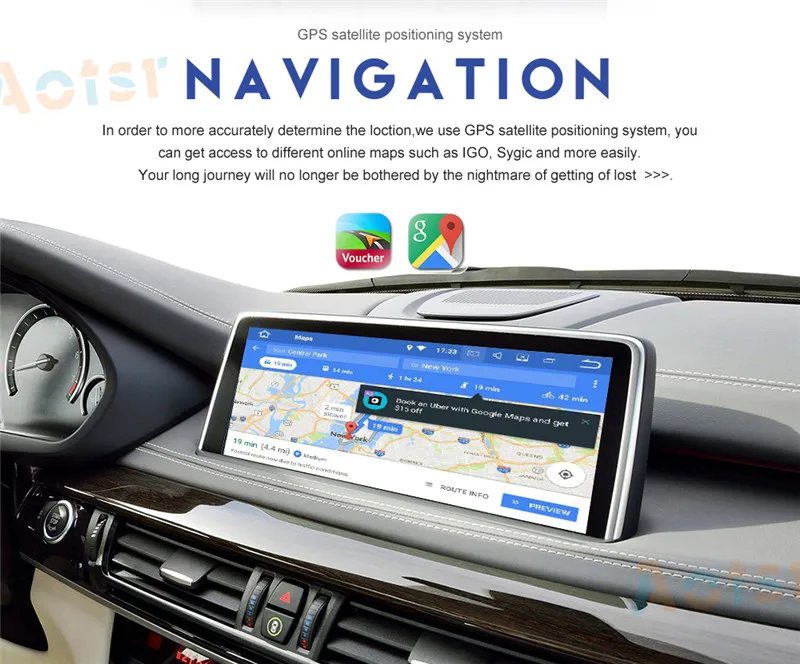


No comments:
Post a Comment